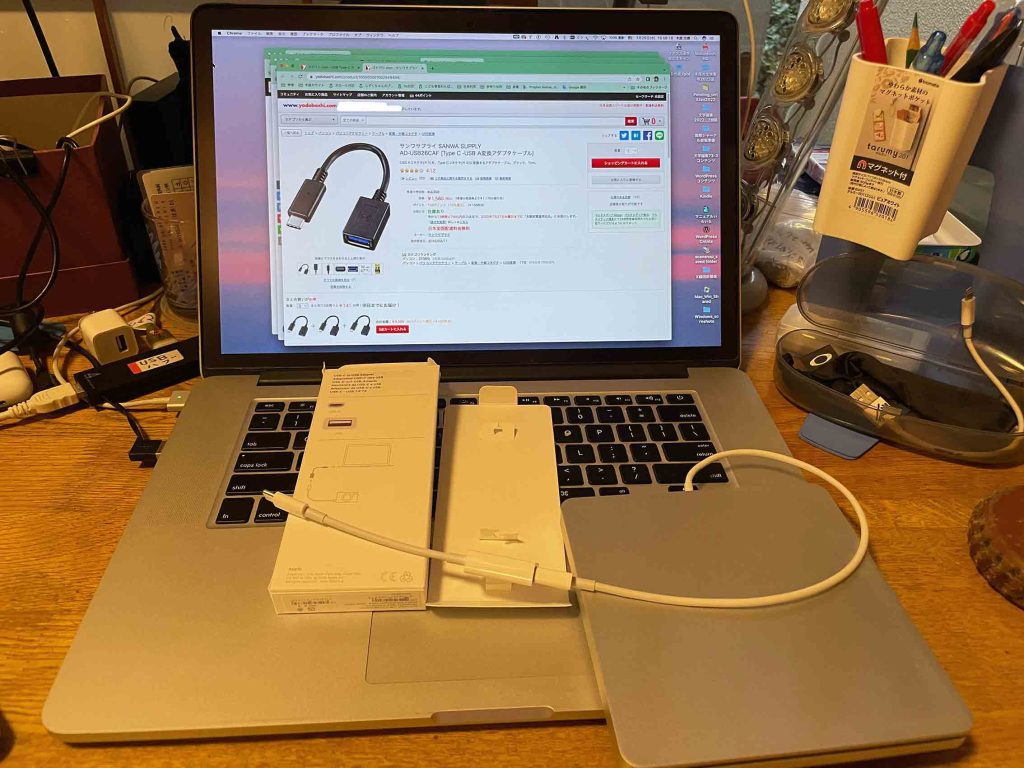
22:36, July 26, 2023: 外部6TBハードディスクをUSBa-C to USB Adapterを介してMacBookAIRに接続した。外部ハードディスクJAN2023_6TBアイコンが見えて,「Time MachineでMacをバックアップ。バックアップを作成するためにディスクを使用しますか?」というメッセージが継続的に表示さあれているので,このメッセージの左上の✖️を選んで,表示を見えなくした。
———————————————— Office 2016 for Mac のサポートの終了 – Microsoft サポート Office 2016 for Mac のサポートは、2020 年 10 月 13 日に終了しました。 Office 2016 アプリは引き続き機能しますが、安全を確保するために Microsoft 365 にアップグレードすることをお勧めします。適用対象:Office 2016 for Mac
Office 2016 for Mac のライセンス: Microsoft 365または Office 2019 for Mac にアップグレードする場合、既存の Office 2016 for Mac ライセンスを削除する必要がありますが、Office アプリを削除する必要はありません。
どうも読み込むと,macOS Ventura on MacBookAIR,で,Office 2016は,使用可能らしい。サポートしないし,2016のリストアも拒否する,ということだ。
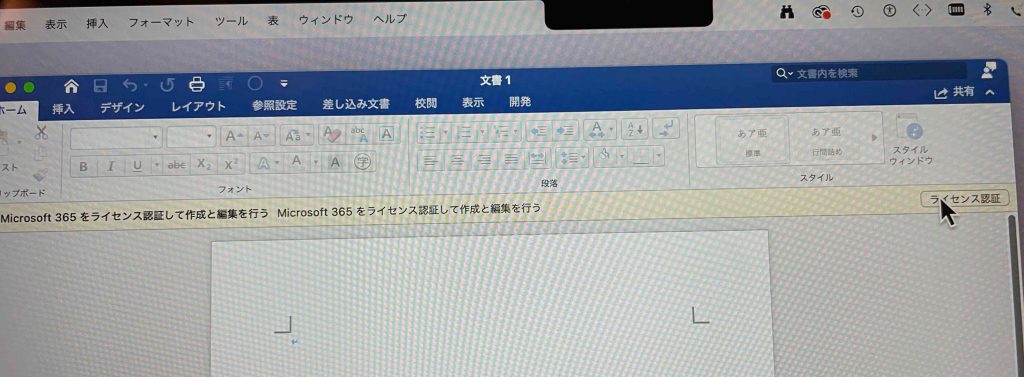
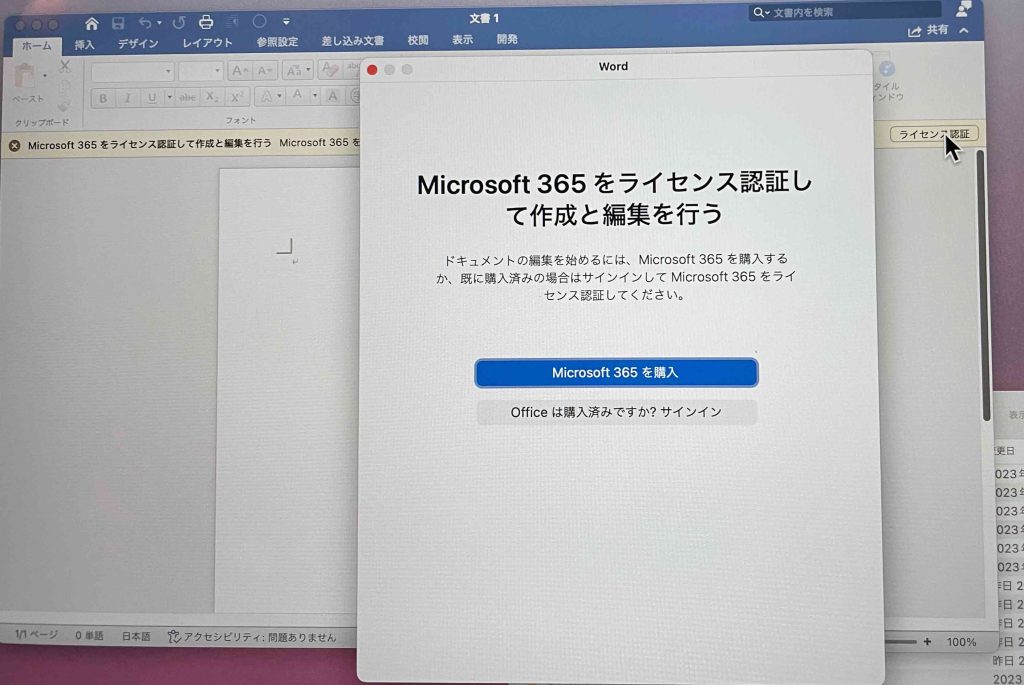
今朝,macOS Ventura on MacBookAIR内のMicrosoft WordやPowerPointファイルを開こうとしたら,完全?に開いた。驚きだったが,全く編集できない。「読み込み」専用とある。だから,とにかく,macOS Ventura on MacBookAIR内のMicrosoft WordやPowerPointなどのアプリは削除してはいけない,ということだ。
2023/04/20 — Does OpenOffice work on Apple Silicon? App has not yet been reported to be native to Apple Silicon. May also be known as OpenOffice, soffice, …
Appleストアが安心で最も安いなあ。 Microsoft Office Home and Business 2021(Mac 2台)37,800円(税込) 概要: Microsoft Office Home and Business 2021は、ファミリーや小規模ビジネス向けの製品です。自宅や仕事場にあるMac 2台またはWindows搭載パソコン2台に、永続版のOfficeアプリやメール機能をインストールして使うことができます。永続版のOfficeアプリには、Word、Excel、PowerPoint、Outlookが含まれます。 システム条件: オペレーティングシステム : Office for Macは、macOSの3つの最新バージョンでサポートされています。macOSの新しいメジャーバージョンがリリースされると、最も古いバージョンでのサポートは終了し、最新バージョンと、その2つ前までのバージョンでサポートされるようになります。
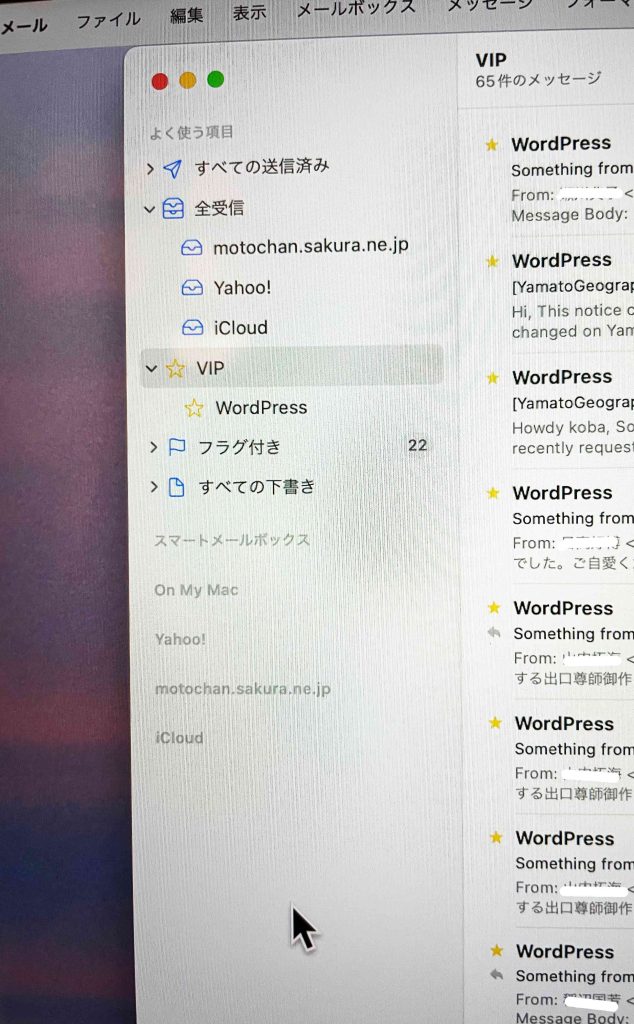
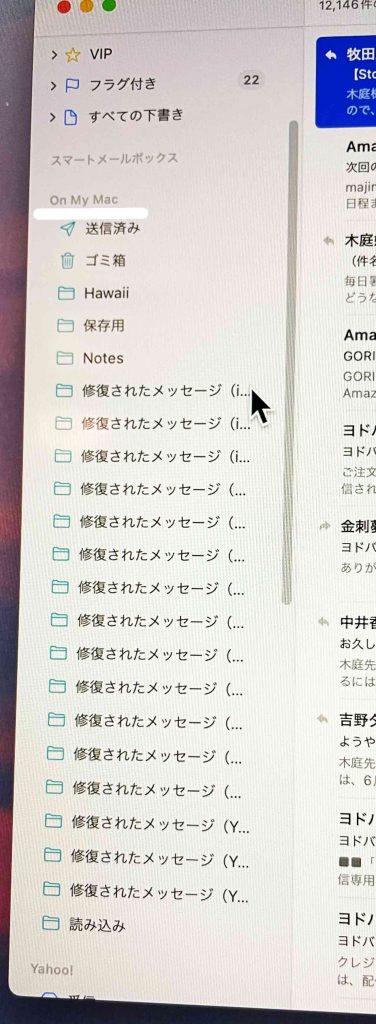
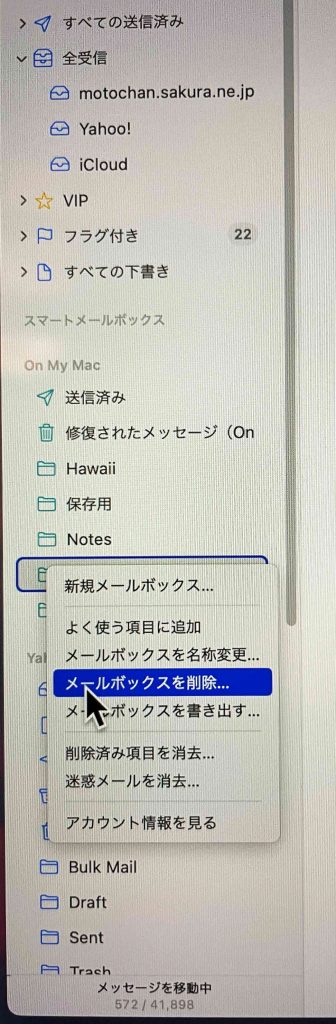
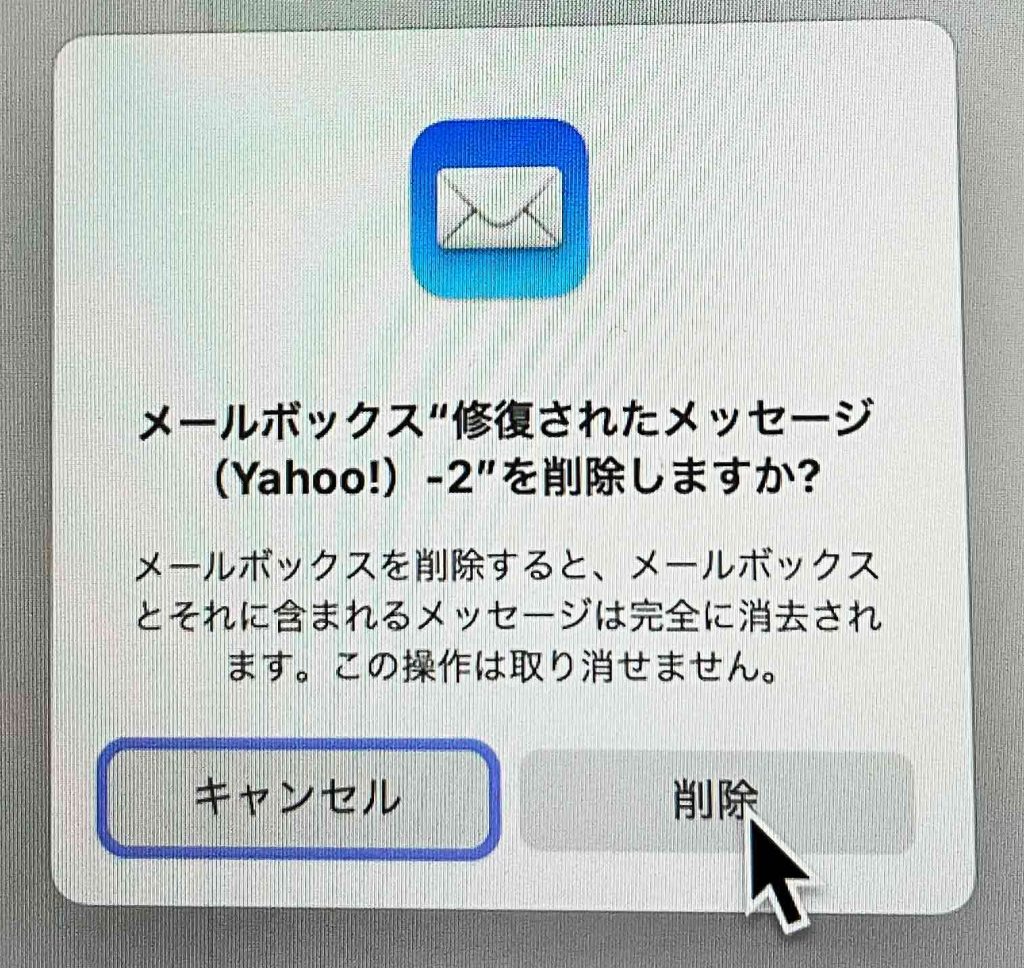
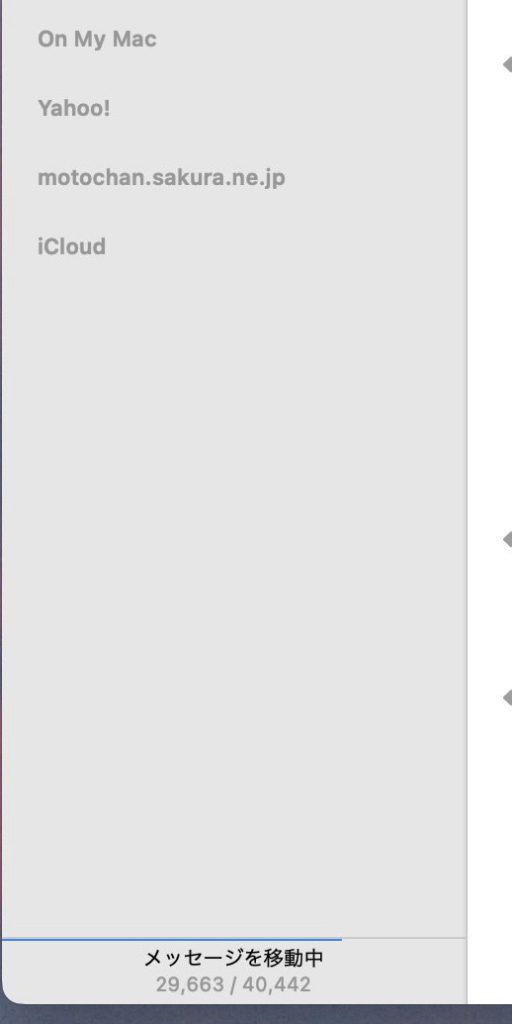
メールアプリに赤い数字の5が表示されているが,全受信には未読がみつからない。図17の左ペーンには,On My Mac,という見出しがある。未読の5の数字がここにあった。図17は処理後のものなので表示されていない。On My Macを開いたものが図18である。多数の[修復されたメッセージ]フォルダがあって,それぞれにかなりの数のメールが収納されている。送信だけのもの,受信だけのもの,という区分があって,送信だけのメールは一気に選んで,最上段の[すべての送信済み]にドラッグアンドドロップした。受信だけのものは,[全受信]にドラッグアンドドロップした。それぞれの受信メールアドレスに対応して自動で分配されるであろうと考えた。
繰り返される突然の電源オフとMacBookAIR15″購入 repeated Sudden shut-downs using my vintaged mac and an inevitable buy of a MacBookAIR15″M2
はじめに
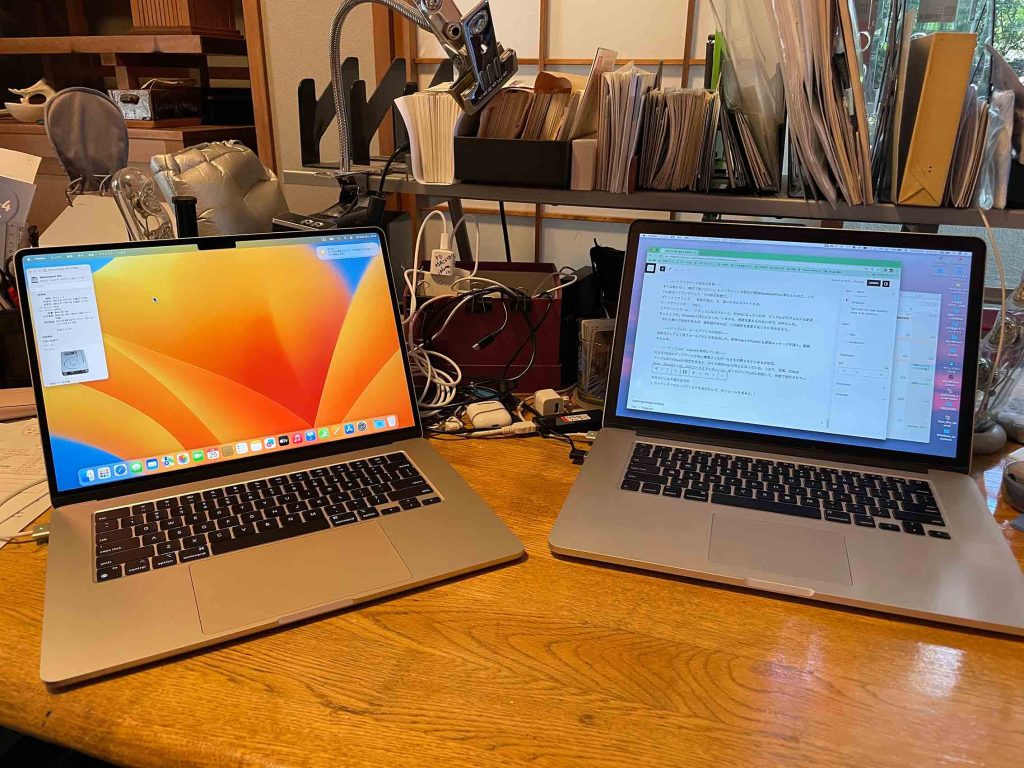
さびしい。繰り返される突如の電源オフ。macbook pro 15″, early 2014。現OSはSierra (mac OS 10.12.6)。一つ上のHigh Sierraにすると沢山のアプリが使えなくなる。Adobe Illustrator, Photoshopなどだけでなく,関連プラグインも。microsoft関連もそうだ。Microsoft WordやMicrosoft ExcelなどはWindowsマシーンの方では使えるが,どうもWindowsマシーンのキーボード操作がmacに慣れたぼくには厳しい。
削除または変更されたコンポーネント: macOS Catalinaは64ビットアプリケーションしか動作しない。そのため、Carbon APIおよびQuickTime 7が必要な画像・音声・動画フォーマットを使用するすべてのソフトウェアを含む32ビットアプリケーションは動作しなくなった。Appleは、32ビットでしか動作しないアプリケーションをMac App Storeから削除した。 macOS Catalinaでは、2003年のMac OS X v10.3(Panther)に導入されたBashの代わりに、zshがログインシェルおよびインタラクティブシェルのデフォルトとなった。BashはmacOS Catalinaでも利用可能であり、csh/tcshやkshなども引き続き利用できる。DashboardはmacOS Catalinaでは削除された。Perl、Python 2.7、Rubyに対するビルトインサポートはレガシー・ソフトウェアとの互換性のためにmacOSに残される。しかし、将来のバージョンのmacOSでは、こうしたスクリプト言語のランタイムではデフォルトでは含まれなくなり、追加パッケージの手動インストールが必要となる。
タイムマシーンで 外付けTBのハードディスクに,[macbook pro 15″, early 2014, Sierra (mac OS 10.12.6)] のバックアップをしてきたが,AIRのベンチュラのタイムマシーンで復旧はできない可能性が高いという。まあ,拒否されなかった場合でも,役立たずのファイルがただコピーされる可能性が高いという。悪さをするかも知れない?
現在,[macbook pro 15″, early 2014, Sierra (mac OS 10.12.6)] 上で,Parallels Desktoをインストールし,Windows 10とWindows XPを使っている。この方法で,macOS 13 Venturaで32ビットアプリを使えば良い。Windowsについてもちょっと使い難いところがあって,macの他のOSでも同様だろう。まあ,仕方がない。この方向だなあ。Parallels Desktopはアップデートできる。
以上,アップルストアでアカデミックで購入するしか無い。 3TB,6TBのハードディスクと同時接続の場合,USB-A to -C変換アダプターが二つ必要だ。
以上
以上,Jul. 16, 2023記。
6 MacBookAIR 15″(M2)購入
一晩考えて,上記のMacBookAIRを購入して,Parallels Desktopをアップデートして,ここにSierraをインストールして,この中のタイムマシーンを使って,現有の[macbook pro 15″, early 2014, Sierra (mac OS 10.12.6)] のバックアップがある6TBの外部ハードディスクから,リストアすれば,いいだろうと思った。
7 Parallels Desktop ver. 18 (latest)
Parallels Desktopで,macbook pro 15″, early 2014で現在使用している Sierra (mac OS 10.12.6) が使えるのか,気になった。結論を言うと,全く問題が無いということである。以下,関連情報をコピペしておく。 ———————————————— Intel-based guest macOS on an M2 host macOS – possible? Discussion in ‘macOS Guest OS Discussion’ started by DA_, Friday at 12:01 PM.
Tags: guest os host intel m2 chip I was wondering if it is possible to install Intel-based guest macOS on an Apple silicon (M2 chip) host OS using Parallels?
MatthewR20 Most valuable person Messages:43 Virtual machines created on Intel-based Mac computers have x86_64 CPU architecture that is fundamentally different from the Arm architecture. Therefore, a virtual machine created on an Intel-based Mac cannot be used on a Mac with Apple silicon, and vise-versa.
About Apple silicon Apple M Series chip is a successor of iPad’s A14Z chip and the first designed specifically for the Mac. It is built on Arm architecture and includes a system on a chip (SoC) that combines numerous powerful technologies into a single silicon, featuring a unified memory architecture for dramatically improved performance and efficiency.
Virtual machines created on Intel-based Mac computers have x86_64 CPU architecture that is fundamentally different from the Arm architecture.
Software applications are heavily dependent on a computer’s CPU architecture: an application that is compiled (created) for one architecture, cannot be easily run on another architecture.
Therefore, a virtual machine created on an Intel-based Mac cannot be used on a Mac with Apple silicon, and vise-versa. If you are switching from a Mac with an Intel processor to a Mac with Apple silicon or the other way around, please refer to KB 125344 for more details.
For macOS x86 VM Unfortunately, it’s not possible to copy the data from a macOS x86 virtual machine on Mac with M-Series chip. However, you can open your macOS x86 virtual machine on an Intel-based Mac to get access to the data stored inside the VM.
About Parallels Desktop for Mac with Apple silicon To run virtual machines on a Mac with Apple silicon, Parallels engineers created a new virtualization engine that uses the Apple silicon chip hardware-assisted virtualization and allows to run Arm-based virtual machines. All of the best Parallels Desktop features were re-engineered for the Apple silicon, including:
Choose to have Windows invisible while still using its applications in Coherence Mode, side-by-side with Mac apps. Shared Profile Tool that enables you to share your Mac desktop, pictures, documents, and other folders with Windows, allowing you to easily access them from Windows applications. Touch Bar controls for Windows applications – truly seamless experience running a Windows app on a Mac. Your Mac keyboard layouts are added automatically to Windows for greater productivity. And hundreds of other Parallels Desktop features await to be discovered. Note: See the list of supported operating systems in Parallels Desktop on Mac with Apple M Series chip.
Parallels Desktop for Mac Technical Documentation & Resources Version 18 (latest)
Use macOS as a Guest OS You can install a copy of macOS in a virtual machine and use it as a guest operating system. This can be useful, for example, if you want to test software in a fresh version of macOS without having to log in and out of your main account. Note: in the App Store Edition, this feature is only available on Intel Mac machines, and not available on Apple Silicon Macs. For more information on the App Store Edition, follow this link https://kb.parallels.com/123796. By default, an installation of macOS is stored in a recovery partition on your Mac You can easily install macOS into a virtual machine from that partition without having to purchase or download another copy of macOS. To install macOS in a virtual machine: 1 Open Parallels Desktop and choose File > New. 2 Select Install macOS Using the Recovery Partition, click Continue, and follow the onscreen instructions. When using OS X Lion or later as a guest OS, you can use it in Coherence mode (p. 41), so that guest OS application windows appear on the host OS desktop alongside host OS applications. You can also copy and paste text and drag and drop files between host and guest macOS, just as you can when using Windows as a guest OS. You can set whether function keys and other system shortcuts trigger actions in the host or guest version of macOS (p. 71).
Use Keyboard Shortcuts Both macOS and Windows provide extensive keyboard shortcuts. For example, in macOS you can hold down the Command key and press Q (Command-Q) to quit the current application. To enter a keyboard shortcut, simply press a key combination on your keyboard. You can also enter keyboard shortcuts by doing one of the following:
Click the Parallels Desktop icon in the menu bar, then choose Devices > Keyboard and choose a key combination.
Choose Devices > Keyboard and choose a key combination. These methods are most useful for using keyboard shortcuts that include keys not included on a Mac keyboard, such as Alt + PrintScreen. Note: To use the F1-F12 keys on a MacBook, press and hold the Fn key and then press an F key. Customize Keyboard Shortcuts By default, Parallels Desktop maps common macOS keyboard shortcut key combinations to the equivalent Windows key combinations. That way if you’re used to, for example, pressing Command-C to copy text in macOS, you don’t have to switch to the Windows equivalent, ControlC. You can also use and customize keyboard shortcuts for switching between Coherence, Full Screen, and Window view modes, and for showing and hiding Parallels Desktop.
以上,Jul. 17, 2023記。Taro, Shuko, and Yohchan having come to our house in these three days.
AppleCare+ for 15インチMacBook Air(M2) 30,800円 お客様のApple製ハードウェアは自動登録されました。
図2 USB-C – USBアダプタ 2,780円
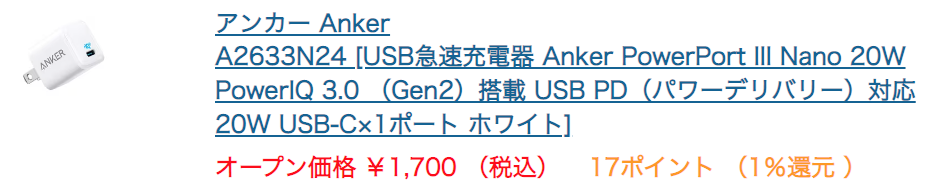
USB-C – USB アダプタの製品番号はMJ1M2AM/A。7月19日に本体より早く到着予定。右図の上端がCで下端がAだ。電源の通電も併用されている。安い他社製品でも使用可能だ。ぼくは外付けハードディスクとのUSB接続に使用するつもりだ。外付けハードディスクは別途通電されているので,このケーブルは必ずしも必要なものではない。
ハードウェア:
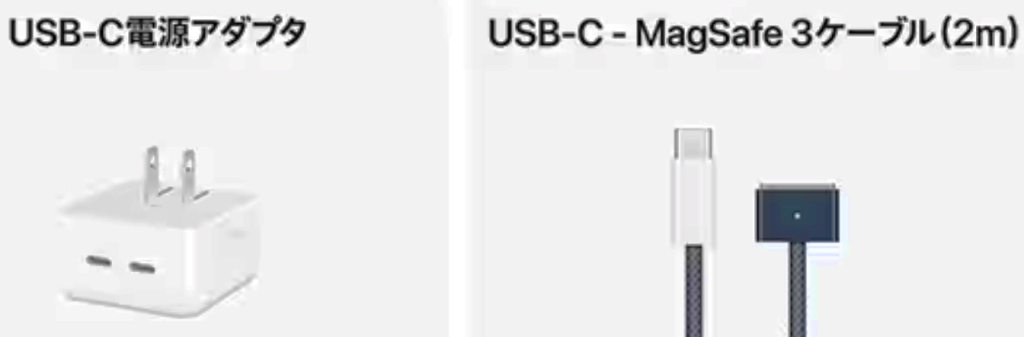
8コアCPU、10コアGPU、16コアNeural Engine搭載Apple M2チップ16GBユニファイドメモリ1TB SSDストレージTrue Tone搭載15.3インチLiquid Retinaディスプレイ³1080p FaceTime HDカメラMagSafe 3充電ポートThunderbolt / USB 4ポート x 2デュアルUSB-Cポート搭載35Wコンパクト電源アダプタTouch ID搭載バックライトMagic Keyboard – 英語(US)アクセサリキット
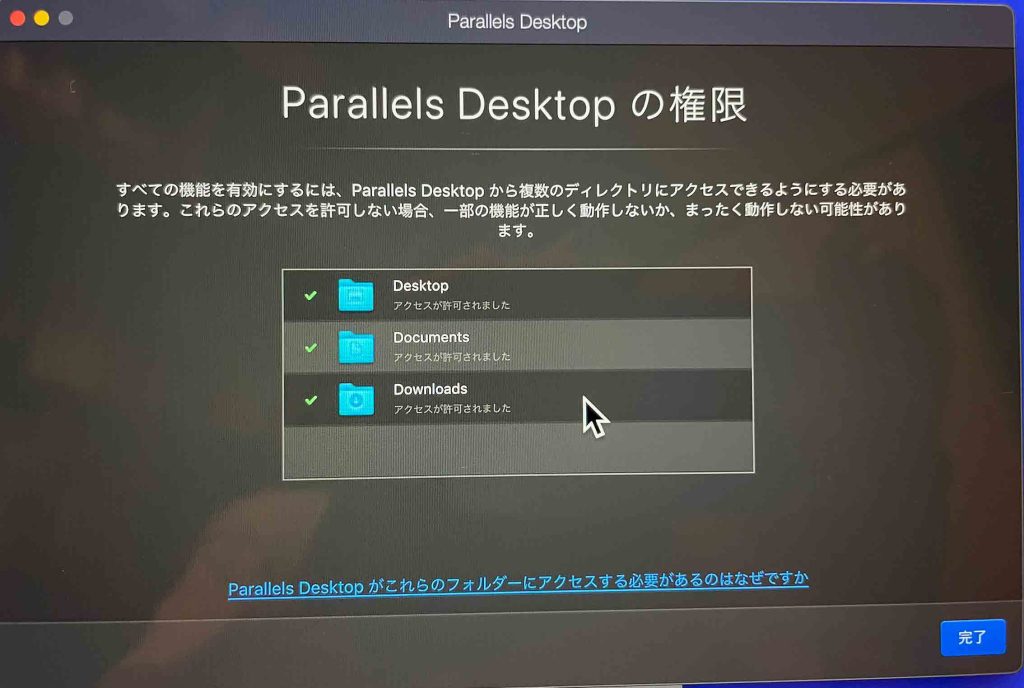
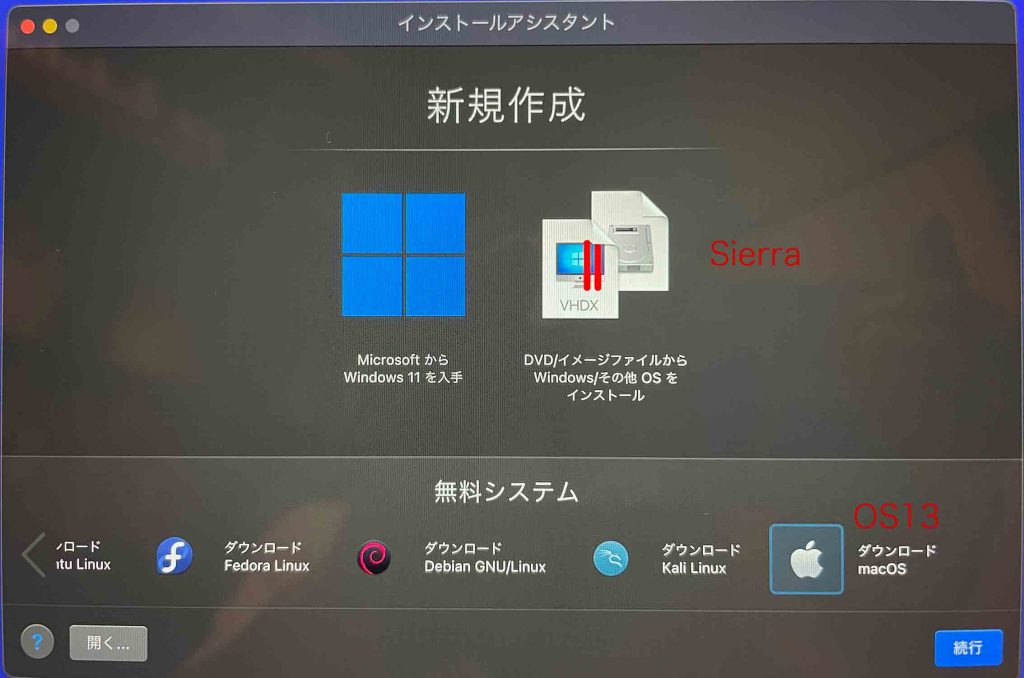
「OSを検出できません」と出る。Windowsを優先して探すようである。「続行」ボタンをクリックすると,「オペレーティングシステムを選択してください:」というメッセージ。スクロールして,「macOS」を指定する。名前は「macOS」,保存先は,「/Users/kobamotoharu/Parallels/」となっている。「8.59GBのディスク領域が使用されます」となる。その後,”Cannot retrieve the hardware model data.”となって,OKボタンを押してもだめで,Parallels Toolboxをインストールして下さいというメッセージが出た。これはParallels Desktop購入の際に無料で購入可能というメッセージがあった。ファインダーで強制終了したが,macOS 12が表示されている。
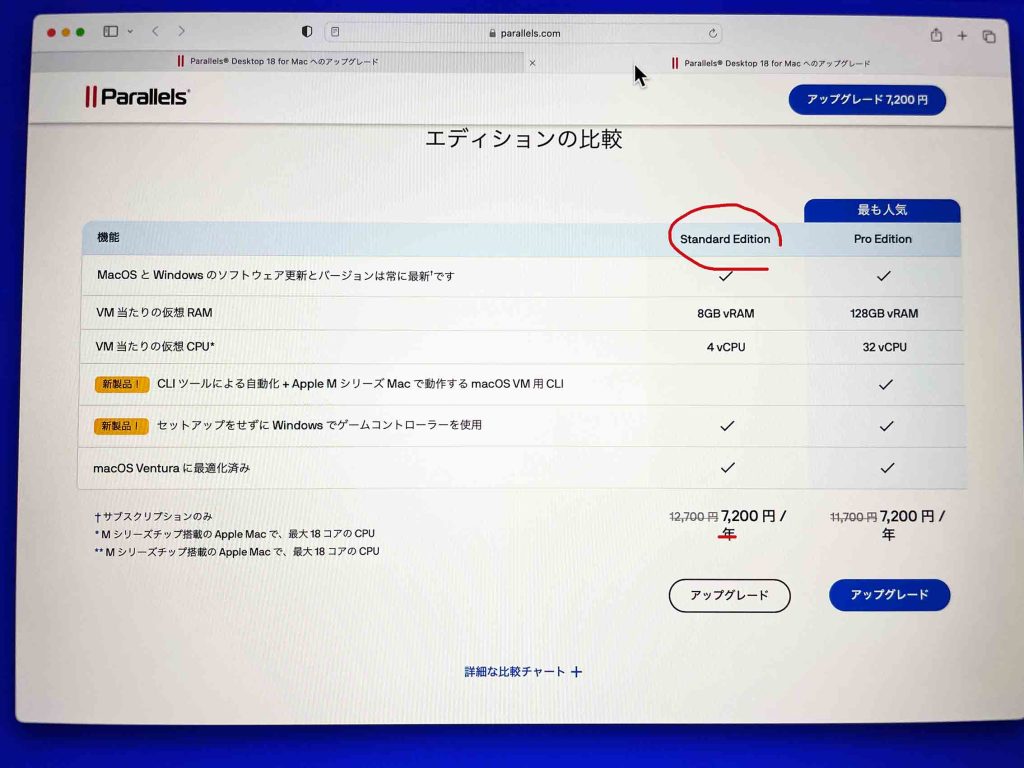
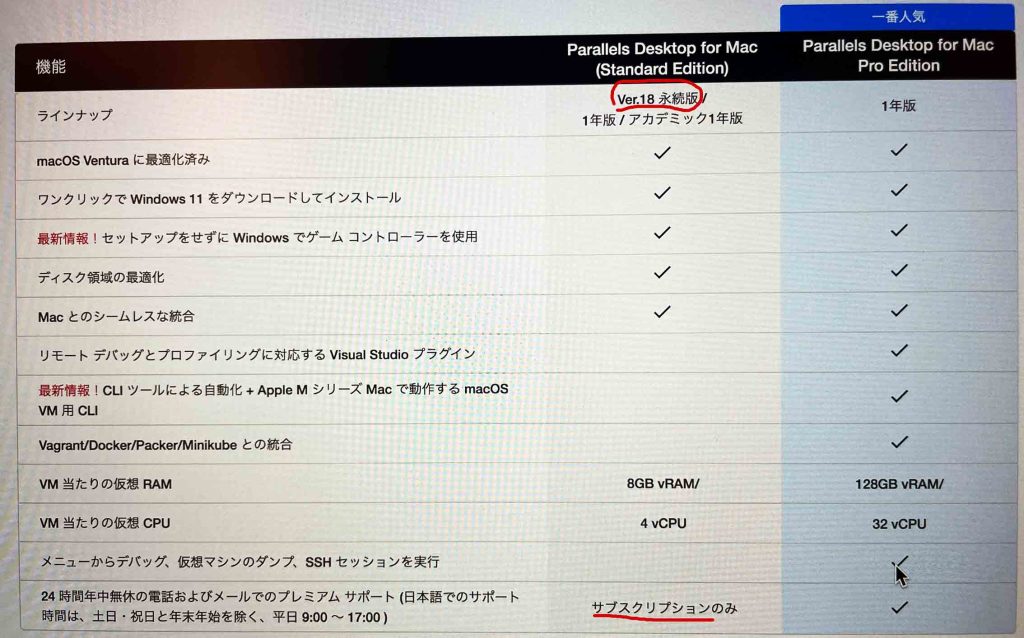
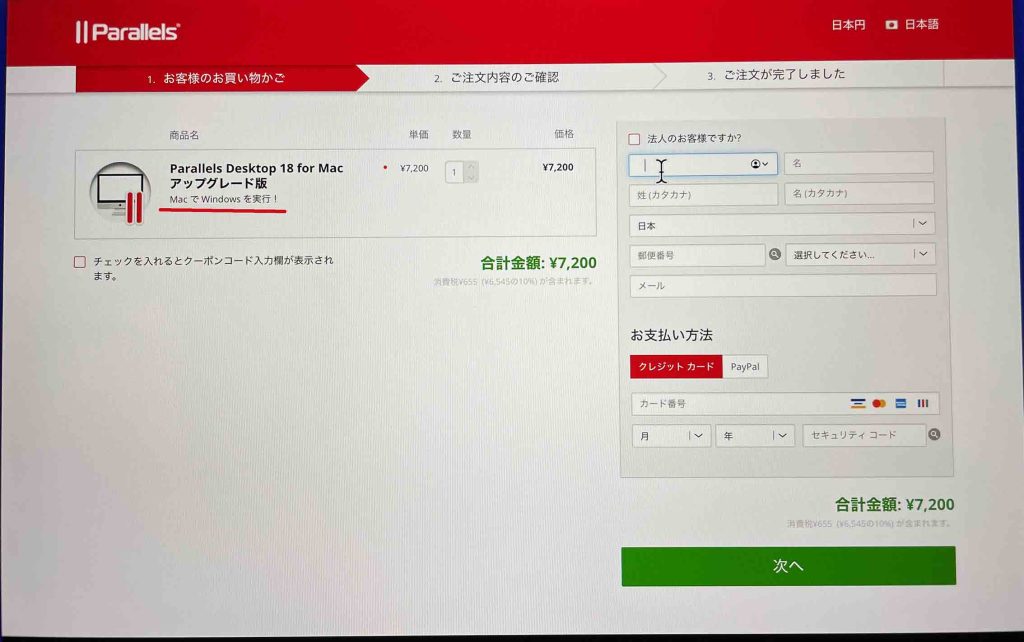
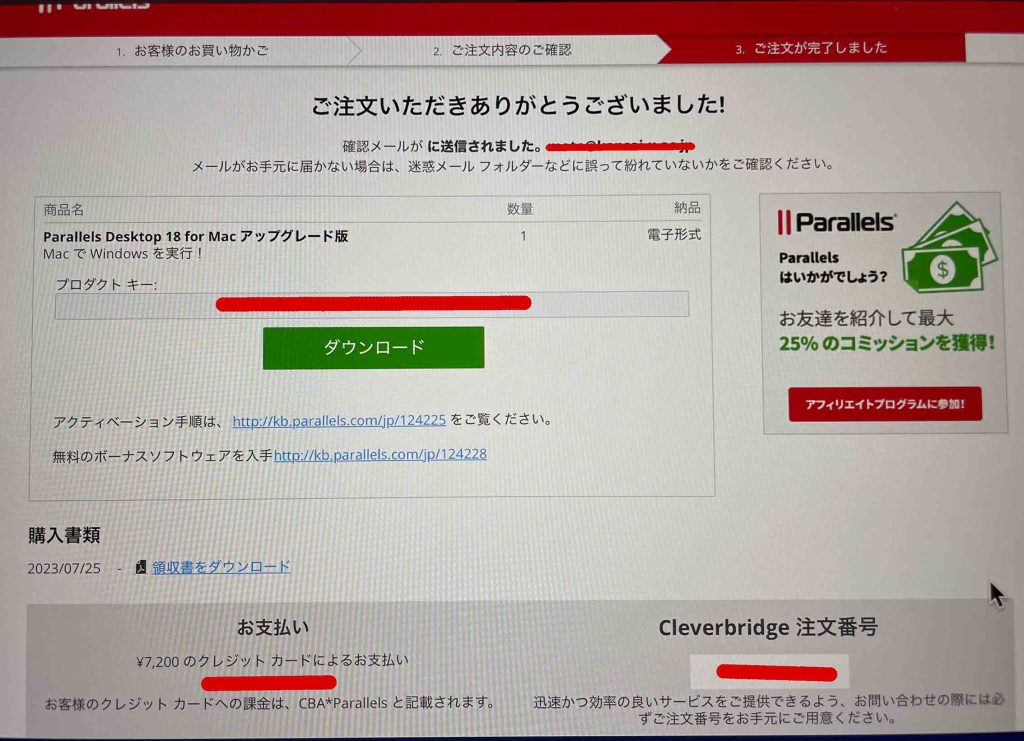
Yesterday, July 26, 2023, I had bought your standard version of Parallels Dektop v. 18. I have been trying to install macOS 10.12 Sierra into your Parallels Desktop on the latest macbook air 15″ M2. At any rate, a message ”Cannot retrieve the hardware model data.” has been grabbing me up. If you can solve this problem, I want to keep this Parallels Desktop. Not, please give a refund.
Hello, Thank you for contacting Parallels Support.
Unfortunately, if you’re using the M-Series processor, the only virtual machine OS that can be installed are:
> Windows 11 Pro and Enterprise editions (recommended) > Ubuntu Linux 23.04, 22.04, 21.10, 21.04, 20.10, 20.04 > Fedora Workstation 38, 37, 36, 35, 34, 33-1.2 > Debian GNU/Linux 11, 10 > Kali Linux 2023.1, 2022.2, 2022.1, 2021.3 > Red Hat Enterprise Linux (RHEL) 9 > macOS Monterey 12 (in-app download) > macOS Ventura 13 (in-app download)
Please access this article to have the full list for intel and M: https://kb.parallels.com/124223 In case you require additional help or assistance, please reply to this e-mail and we will be glad to assist you. We look forward to your reply at your convenience.
[Parallels #] FWD: Installing macOS 10.12 Sierra into a standard “Parallels Desktop” on the latest macbook air 15″ M2.
2023/07/30 (日) 17:01
Dear Mr. Akhilesh Cheetamun, Customer Support Engineer,
Thank you for youra two kind mails.
I have been tried to use the Parallels Desktop, but I am sorry not to be able to use MacOS X 10.12 Sierra. More over Microsoft Windows XP and 10 installed into the former Parallels Desktop have been messaged to be incompative.
Before downloading the Parallels Desktop v. 18, I have read the following information, and I have misunderstood it. Please cancel my order, and show me how to delete v. 18.
Thank you for your tedious work.
July 30, 2023
————————————————
Parallels Desktop for MacTechnical Documentation & ResourcesVersion 18 (latest)Use macOS as a Guest OSYou can install a copy of macOS in a virtual machine and use it as a guest operating system. Thiscan be useful, for example, if you want to test software in a fresh version of macOS without havingto log in and out of your main account.Note: in the App Store Edition, this feature is only available on Intel Mac machines, and not available onApple Silicon Macs. For more information on the App Store Edition, follow this linkhttps://kb.parallels.com/123796.By default, an installation of macOS is stored in a recovery partition on your Mac You can easilyinstall macOS into a virtual machine from that partition without having to purchase or downloadanother copy of macOS.To install macOS in a virtual machine:1 Open Parallels Desktop and choose File > New.2 Select Install macOS Using the Recovery Partition, click Continue, and follow the onscreeninstructions.When using OS X Lion or later as a guest OS, you can use it in Coherence mode (p. 41), so thatguest OS application windows appear on the host OS desktop alongside host OS applications.You can also copy and paste text and drag and drop files between host and guest macOS, just asyou can when using Windows as a guest OS.You can set whether function keys and other system shortcuts trigger actions in the host or guestversion of macOS (p. 71).
————————————————
下記July 27に対する返事が上のメール。
Dear Valued Customer, Thank you for being a Parallels customer. Please let us know how we did by choosing one of the options below. Your answers will help us serve you better in the future. Everything was great, thanks! You could have done better.







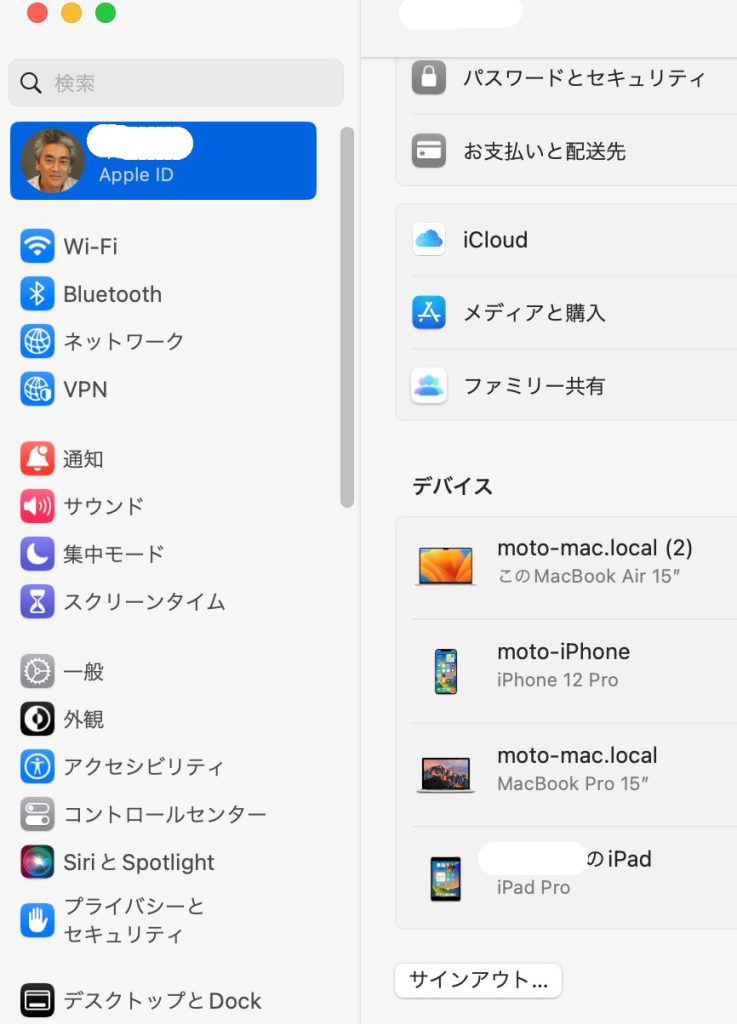
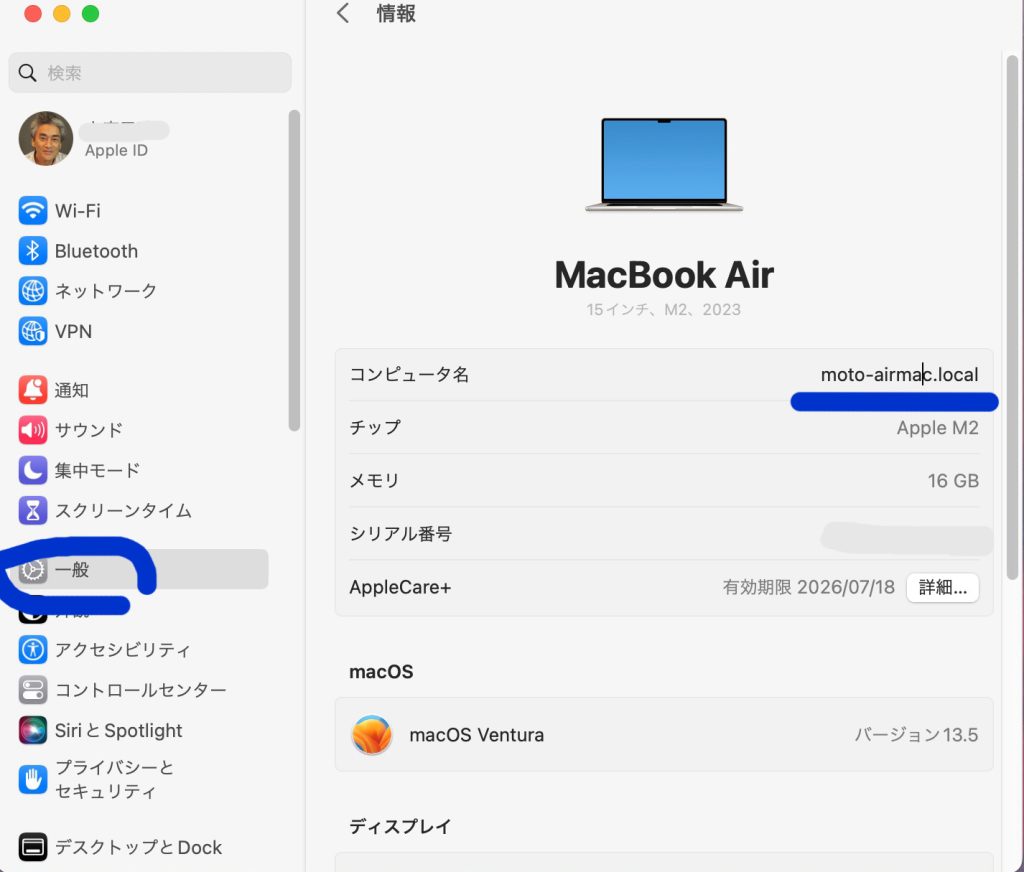
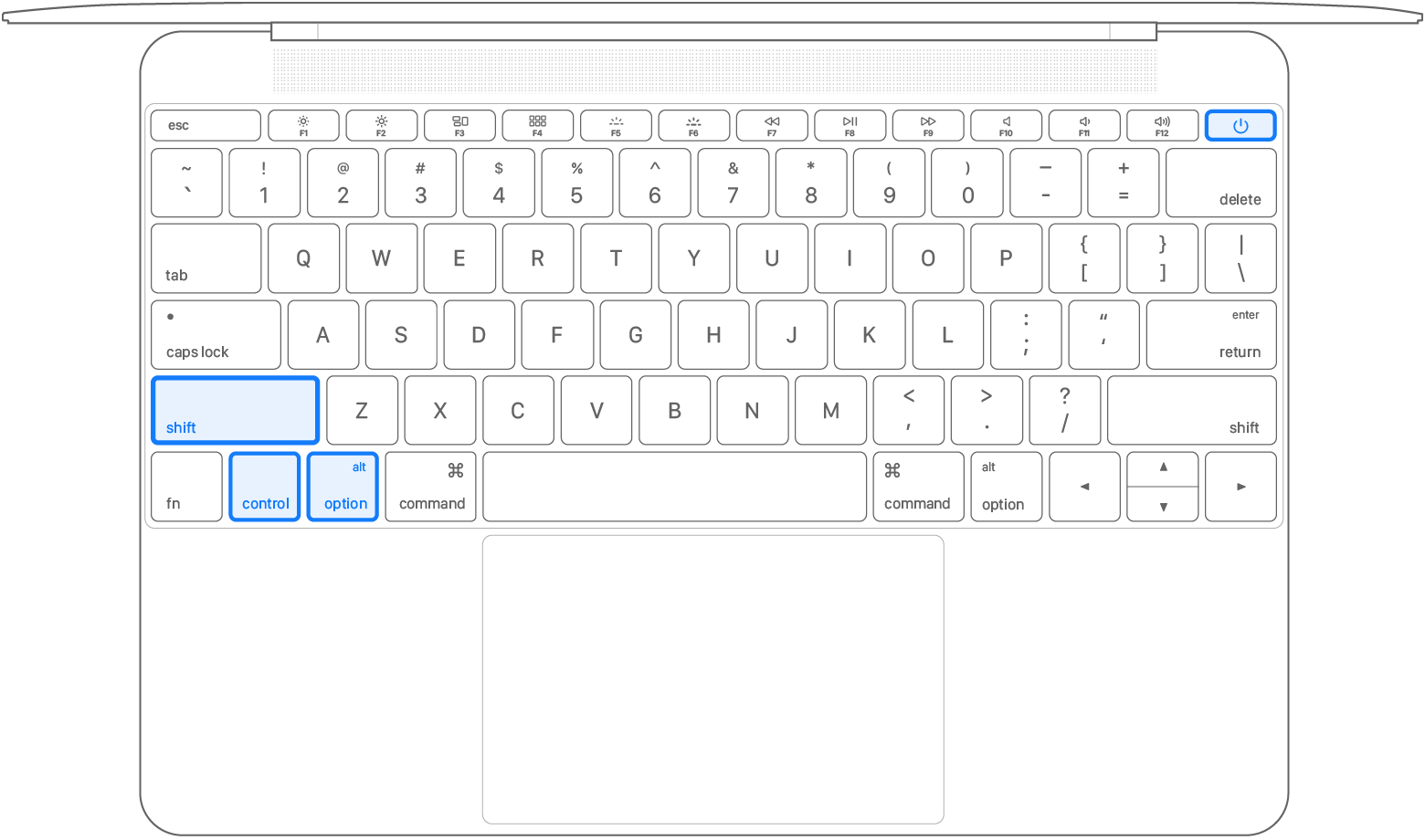
 」キー
」キー 」キー
」キー 」キー
」キー